Access the aplication
Open your browser (I use EDGE in my daily life) and type: localhost:8075
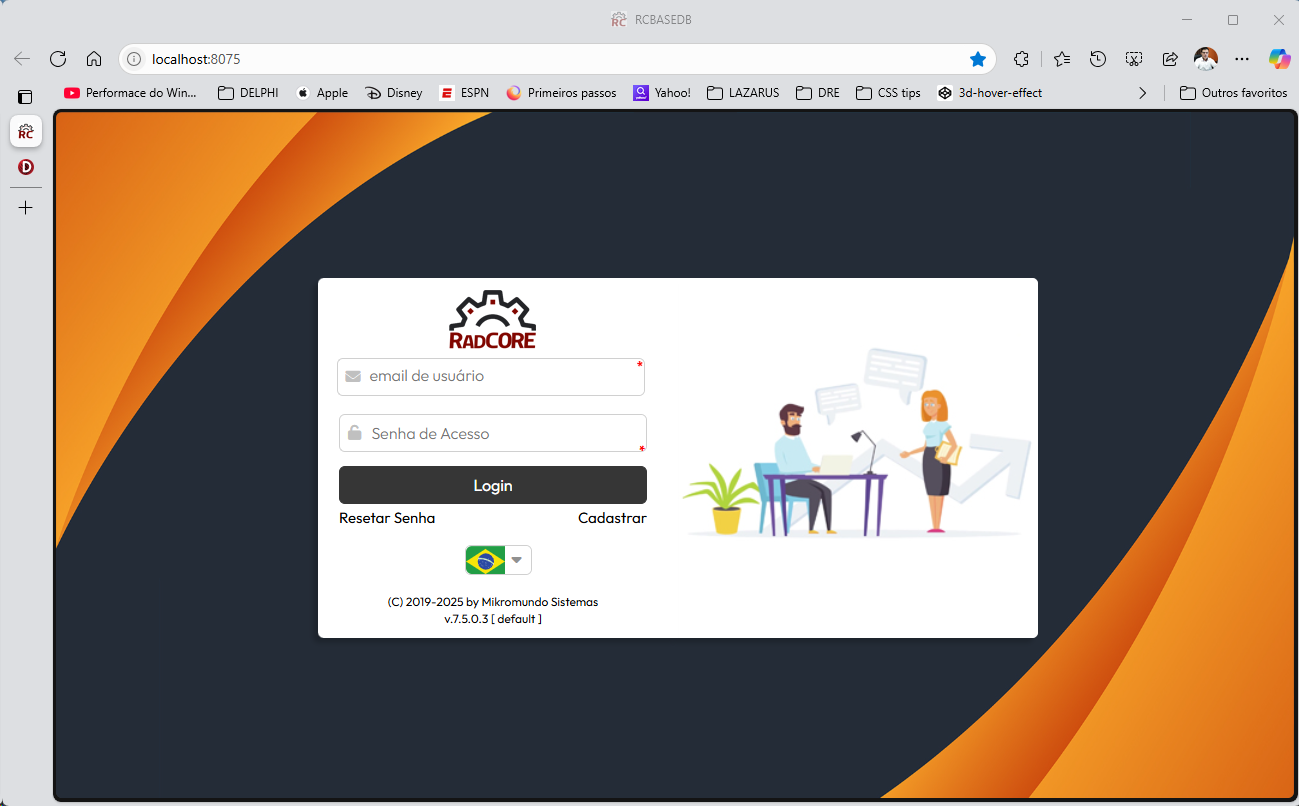
The initial access credentials are:
email: radcore@gmail.com
senha: 1234
In "ANALYZING RESOURCES", in the "Login" topic there is a brief explanation about the internal process of the Login form.
Remember: Don't jump right into creating your application. The documentation will be your ally in understanding RadCORE. It's crucial that you READ EVERYTHING, step by step, and practice and observe how the rendering works using the MEGA DEMO.
Once you've analyzed and familiarized yourself with the available examples, it's crucial that you put them into practice. To do this, create new applications based on the other RadCORE models and study the content, features, and behavior of each one. ALWAYS WITH THE DOCUMENTATION AT YOUR SIDE to review what you've learned.
RadCORE was designed to help you save time and be more productive, but if you don't learn how to use it, this process could backfire. You'll have many questions and may get the false impression that RadCORE isn't what you expected.
I am proud to share several success stories, including people who have NEVER HAD CONTACT with UNIGUI itself or anything related to HTML/CSS/JS and today have applications developed, in production and with several new customers won with the help of RadCORE.
If you want the project to run automatically after compilation (F9 or SHIFT+CTRL+F9), simply uncomment the line below:

Created with the Personal Edition of HelpNDoc: What is a Help Authoring tool?