BootStrap Icons
Inserting Icons
Searching for and inserting icons is easier with RC ELEMENTs.
In addition to searching directly on the page, RC ELEMENTs completes the naming conventions for standard BootStrap icons.

Ex:
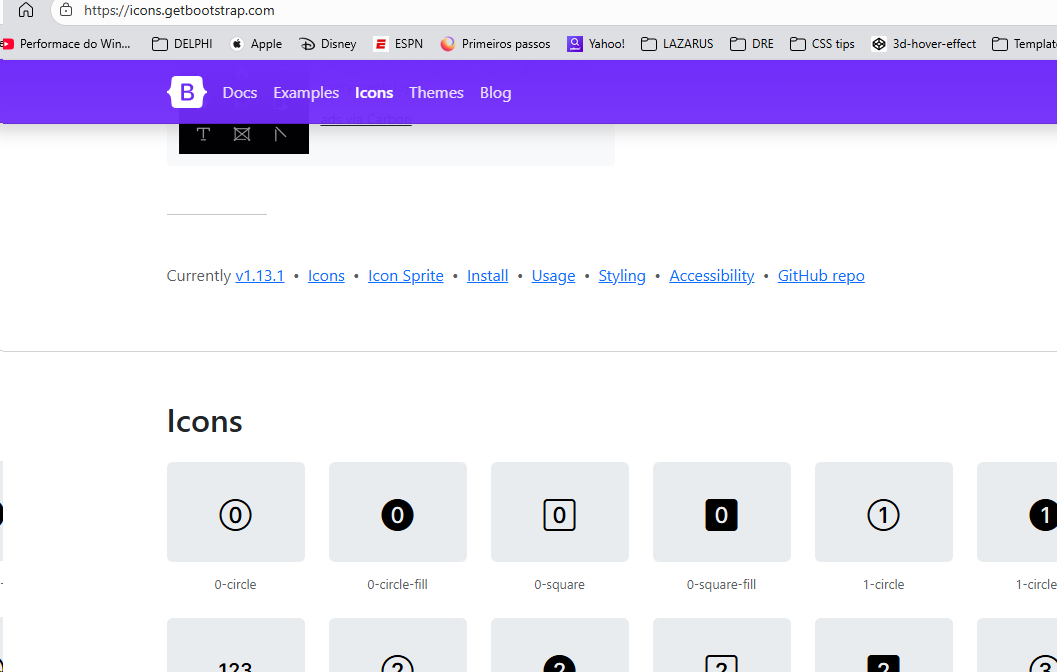
- After typing an attribute that needs an icon ( "ico:" for example), press F6 to open the BootStrap icons page.
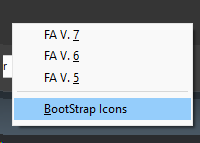
- Select the icon and click on it;
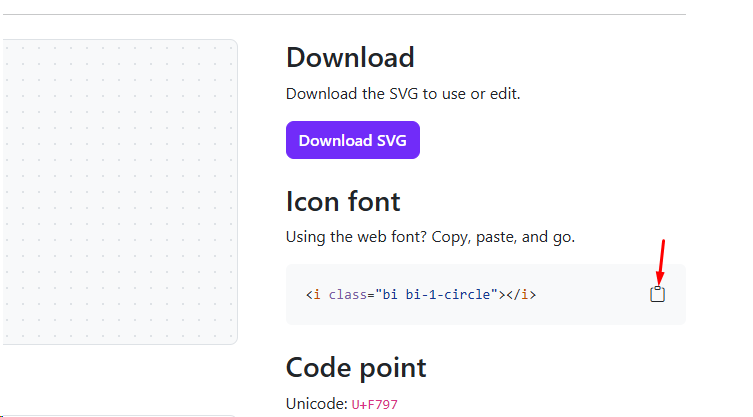
- In the "HTML" view, just click for the content to be copied to the clipboard;
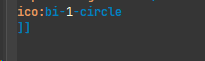
- Return to RC ELEMENTS with the cursor after the "ico:" instruction and press F3.
Created with the Personal Edition of HelpNDoc: Full-featured Documentation generator