Theme Control and Extra Configs
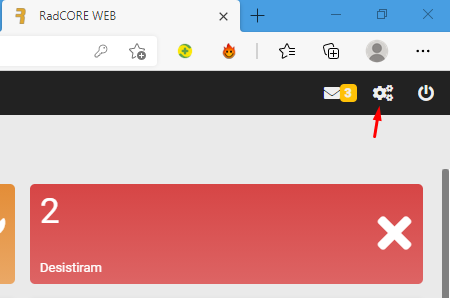
With this feature, you can select predefined color themes or adjust a new configuration of colors, fonts, rounding, main menu layout, etc.
Keep in mind that we are working with the WEB now and everything on the WEB is based on CSS for defining colors, etc., but RadCORE tries to abstract as much as possible so that you don't have to worry about this.
The definitions of the selected theme will standardize common elements of the application such as:
- Buttons
- Edit Boxes (Edits, ComboBox, etc.)
- Grids
- Side Menu, etc.
All elements on the screen can be customized by you using CSS classes that already come with RadCORE or that you define, but try to maintain as much standardization as possible.
The theme you chose is displayed at the top of the form.
We will have 3 tabs with possible configurations:
CONFIGURATIONS FILE
Theme font and color settings are saved in your application's "files/themes" folder:

Layout settings are saved in the "aaaa_Cfg.ini" file in the "files" folder Where "aaaa" is the content of the constant "APP_NAME".
If your application was created with the name "MyAPP" there will be a file called "MyApp_Cfg.ini".
Created with the Personal Edition of HelpNDoc: Qt Help documentation made easy