Column Search
UniDBGrid has dozens of advanced features, as can be seen in the accompanying examples.
One of them is the ability to display components below grid titles for users to search the data.
RadCORE provides a few details to facilitate the application of this feature.
Prior to version 8.0, only frames inherited from standard CRUDs had this feature, but now they can be used in any grid.
Ex: frmCadCOMPRAS
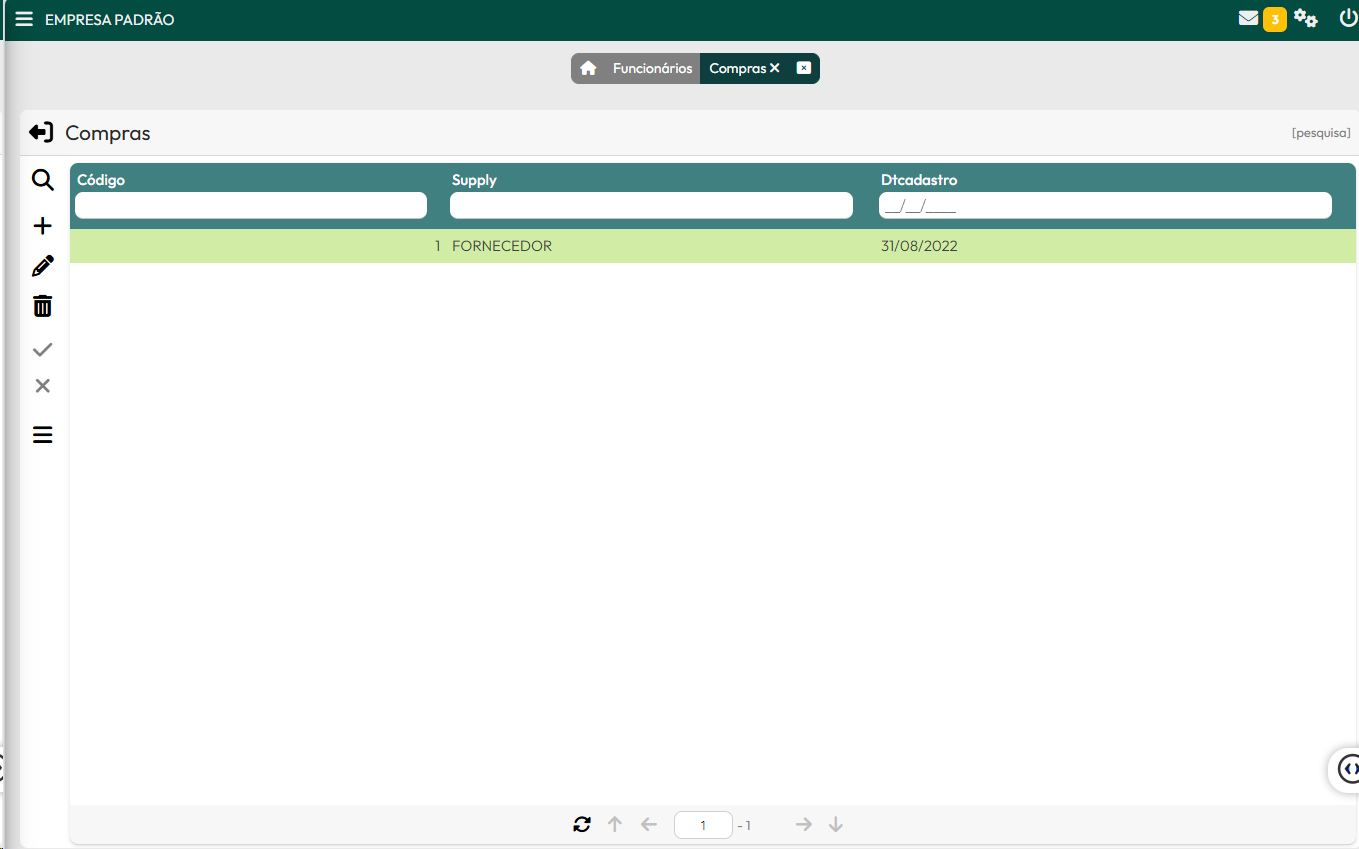
Configuration:
1) Add a UniHiddenPanel to the form/frame with the name: "hpMaster"
2) Add the attribute to the grid: 'model-search:column|'
3) Add the following to the grid's "OnColumnFilter" event: rc_GridColumnFilter( self, Sender, Column, Value );
4) Add, immediately after opening the query, the call to the function rc_GridColumnSearchRender( Self, dbGrid, hpMaster );
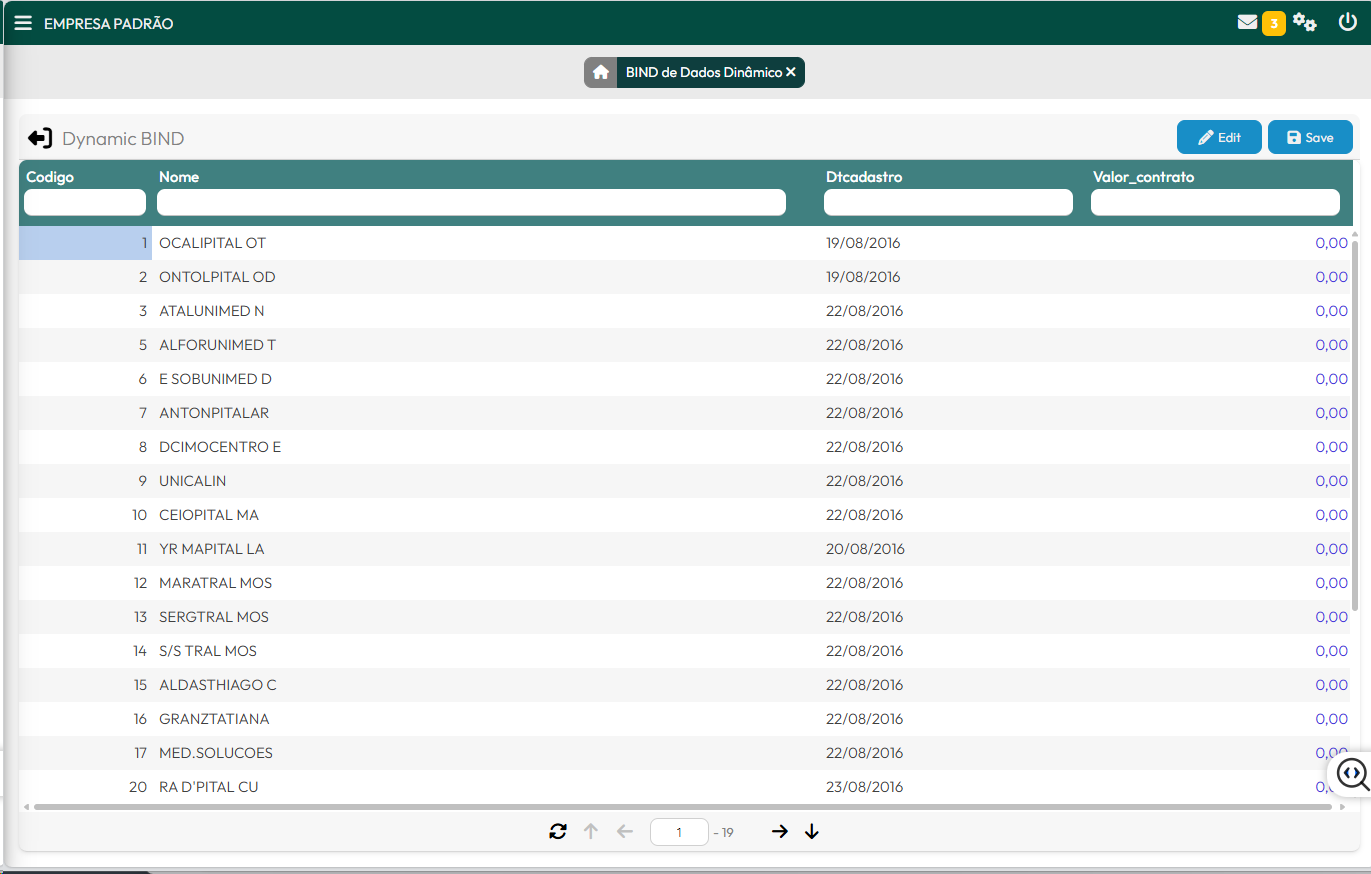
See the details above in the "frmDEMO_DYNAMIC_BIND" example.
Created with the Personal Edition of HelpNDoc: Full-featured EBook editor