Left Side Layout
BLOCKFY( CB )
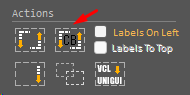
This feature was created primarily to assist in migrating projects from UniGUI to RadCORE.
Blockfy (CB) will generate blocks interacting with the components in the clipboard. In other words, instead of selecting a single set of components as in Blockfy, you can select multiple groups of form components (their sets of labels and edits), copy them to the clipboard (CTRL + X), and then use Blockfy (CB).
See the example:
In a form/frame you have several components:

Select them all:
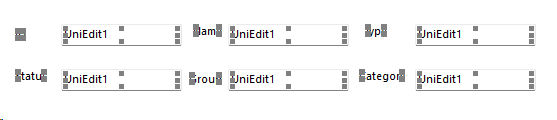
Press CTRL + X and then activate RC ELEMENTS by right-clicking on the "container" that will receive the rendered blocks.
Next, check "Labels On Left":
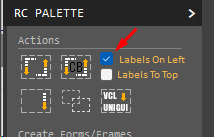
Next, click on Blockfy(CB) and then click OK or press F5:
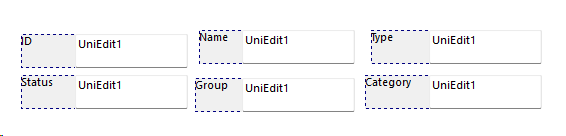
IMPORTANT:
If you check "Labels To Top", Blockfy(CB) will adjust the side labels and position them at the top of the editing components.
Created with the Personal Edition of HelpNDoc: Easily create EBooks