Collapsify
COLLAPSIFY
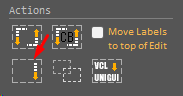
Unigui has a similar feature but, in addition to not having responsiveness, we can't explore the layout much.
Collapsify will insert an "arrow" at the top right of a previously defined block.
For now, I suggest using a template with "CARD" (you can change the color/css if you wish).
In the RC ELEMENTS itself ( Compound Blocks ) there is a pre-defined model (with Collapsify already ready and without it).
Let's see the following example:
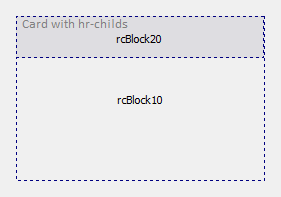
Click on "rcBlock20" and activate RC ELEMENTS.
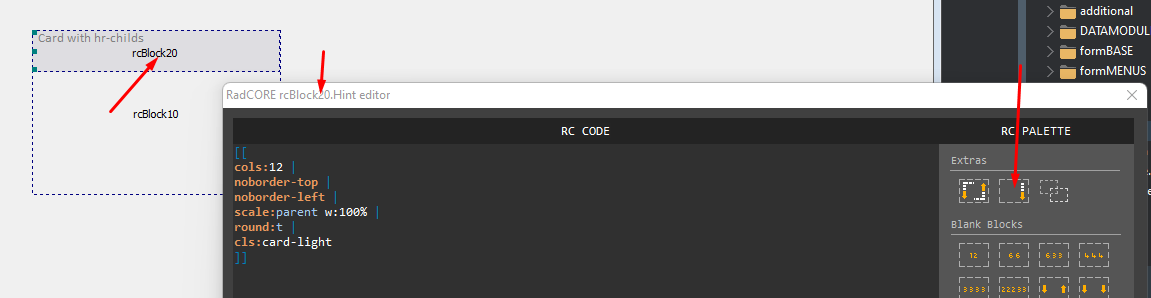
Click the COLLAPSIFY button and click OK ( or F5 ).
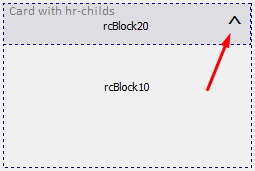
Now we need to inform which "BLOCK" will respond to the click of the "arrow". Click on the arrow and launch RC ELEMENTS
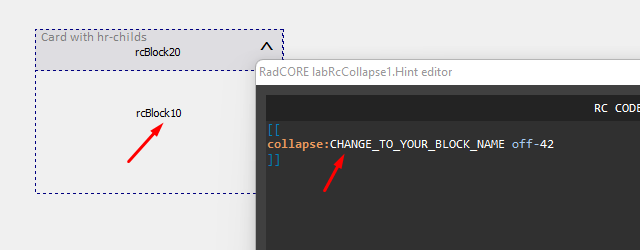
After the "collapse:" attribute insert "rcBlock10" replacing the phrase.
Note: In this example you should insert your blocks with their components inside the indicated block ( rcBlock10 ) to see a better result.
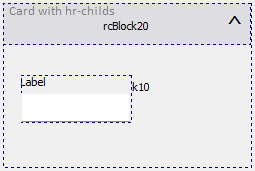
Ready. Run the application to see the result.
Created with the Personal Edition of HelpNDoc: Full-featured Help generator