css in RUNTIME
APPLYING CSS in RUNTIME
UNIGUI natively allows APPLY and REMOVE CSS classes:
Ex:
labCompanyName.JSInterface.JSCall('addCls', ['align-label-left-center']);
labCompanyName.JSInterface.JSCall('removeCls', ['align-label-left-center']);
In RadCORE, just to reduce the code we have the functions:
rc_AddCssClass( labCompanyName, 'align-label-left-center' );
rc_RemoveCssClass( labCompanyName, 'align-label-left-center' );
Whenever you want to apply a new CSS it is recommended to REMOVE the existing class to avoid conflicts.
Starting with version 6.0, RadCORE will control the applied classes so that, if you try to add a class that already exists in that component or if you try to remove a class that doesn't exist, it will ignore it.
In the default example, the button is rendered with red borders:
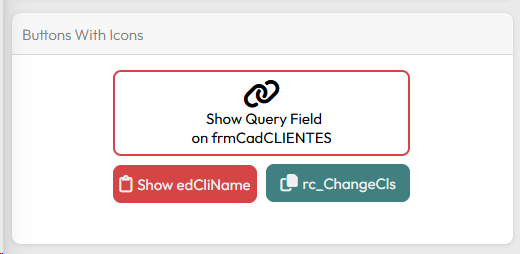
Looking at the same example above, in the CLICK event of the "btnCopy" button:

The "rc_ChangeCls" function helps in EXCHANGING one CSS class for another, removing the previous class and applying the new one.
Created with the Personal Edition of HelpNDoc: Free Web Help generator